

Kindroid Review, Pricing and Limits: Pay Before You Try
The Short Answer on Kindroid's Price and Limits
What caught me off guard about Kindroid isn't a feature. It's the order of operations: the app asks for your card before you've heard a single reply. Its reputation for memory and self-written characters is earned. Still, you should know what that subscription buys before you commit, what we could and couldn't confirm, and where the per-item costs are actually written down.
> Verdict: Kindroid suits people who want deep, self-authored characters, custom voices and long-term cascaded memory. Its biggest limit is that it has no free tier, so you pay before you can judge chat quality. We also could not confirm its current plan prices.
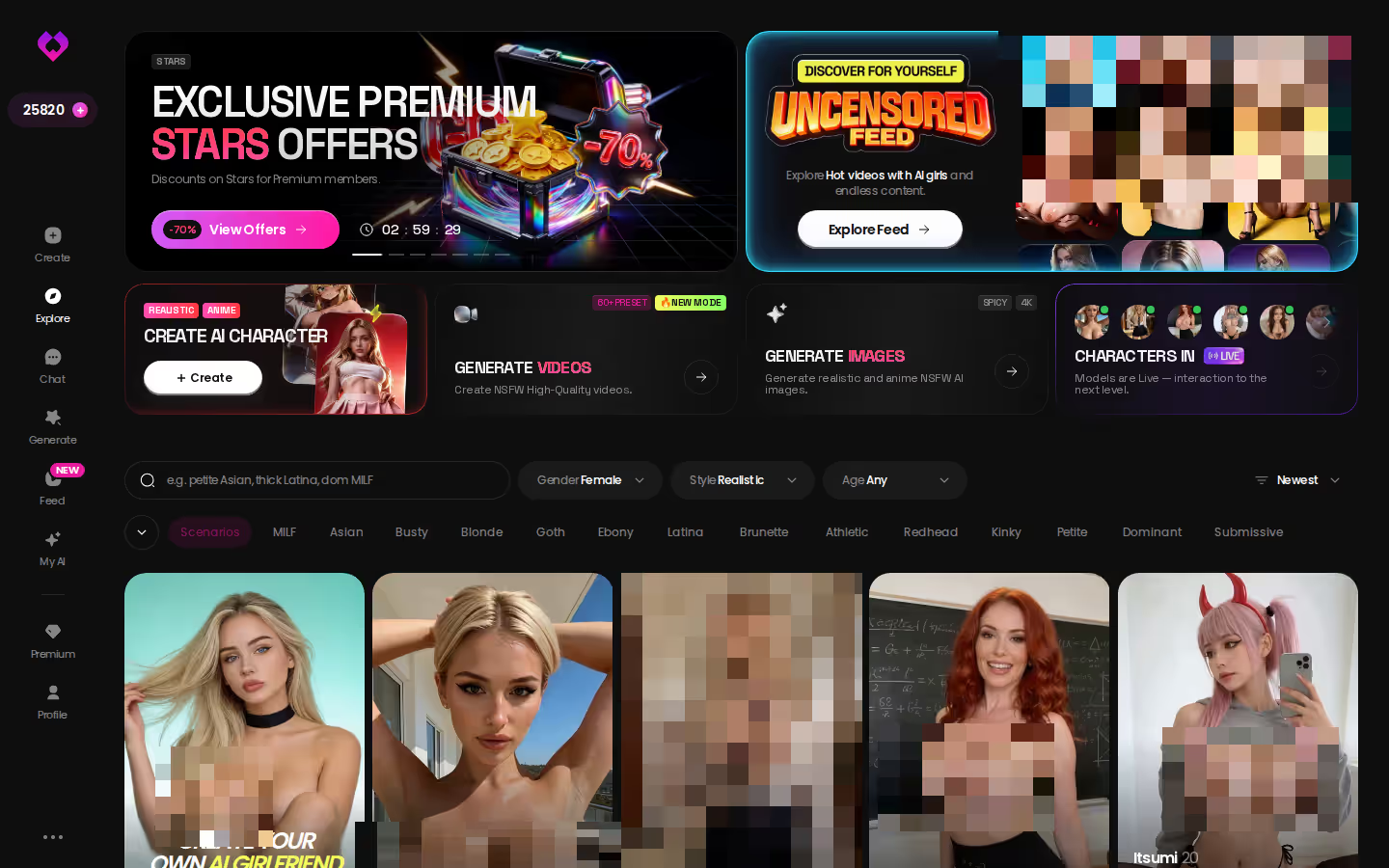
Want the short version? I'd start at GoLove.ai, because its costs are itemized: 1 Star per image, 5 Stars per video. You can also watch episodes 1–2 of every Series and open a chat straight from Explore before you pay.
Kindroid still makes sense if you want to write a companion from the first line and memory matters more to you than anything else. If that isn't you, there's a cheaper way to find out what you like. Explore lets you open a chat and see a character's first photo right now, before any card is involved.
What Kindroid Actually Gets Right
The surprising part of Kindroid's feature list is how much of the character it hands you to write. It also covers more than chat.

 Watch Popular Shows starring your
 favorite AI characters.
Backstories, Looks and Voices You Write Yourself
You write the backstory, the appearance and the voice yourself. That's the core appeal. You aren't picking someone off a roster. You're building the person you'll be talking to.
Pro: the personality is yours, line by line. Con: it starts as a blank page, so the character is only as good as what you put into her.
Long-Term and Cascaded Memory
Memory is where Kindroid's name comes from. Its long-term, cascaded conversation memory is meant to carry older context forward instead of letting it drop away after a few days, and that continuity is what makes a long-running companion feel like the same person week after week. We could not confirm token counts or which tier includes which memory level, so treat depth as something to check on the plan screen.
Pro: continuity is its headline strength. Con: you can't measure that depth before paying.
 7 episodes
 5 episodes
 5 episodes
 5 episodes
 5 episodes
 7 episodes
 6 episodes
 9 episodes










Calls, Selfies and Shared Rooms
Voice and video calls, generated selfies and video selfies, group chats and shared Rooms are all there. It's a full feature set, which is exactly why the subscription question deserves a real answer.
Pro: calls, pictures and group play all sit in one app. Con: you can't sample any of them first.
And all of it sits behind a paywall you cross before trying it.
Kindroid's Real Limit Is Paying Before You Can Judge It
"Limits" usually means message caps or call minutes. With Kindroid, the bigger limit shows up earlier: there's no free tier. Everything people actually pay for can only be judged after you've paid. That covers how deep the memory goes, how the voice sounds and whether selfies stay consistent from one to the next. For a product whose whole case rests on quality you'd want to feel first, that's a letdown.
Price is the second gap. We could not confirm Kindroid's current plan prices. Plans in this category shift and regional pricing differs, so a monthly figure without a check date doesn't tell you much. This review won't quote one.
So what does Kindroid cost today? We could not confirm a current figure. Open the plan screen in the app and read the price, billing period and renewal line before you tap subscribe.

For your region, on the day you buy, that screen is the only source that counts. The next section is a checklist for reading it.
Characters you can open right now
Tap any of them and the chat starts there






Five Things to Confirm on Kindroid's Plan Screen
Because Kindroid makes you pay before you try, the plan screen is your only preview. Read it like a contract.
> Before you subscribe, confirm: > 1. The price and billing period actually shown in your region, as opposed to a number quoted somewhere else. > 2. Whether voice and video calls have limits on your tier. > 3. The selfie and video-selfie allowance on each plan. > 4. Which memory tier your plan includes. > 5. Renewal and cancellation terms, including the date the next charge lands.
Screenshot that screen before you tap anything. If a call cap or selfie allowance is ever disputed, you'll have a record of what was shown.
Anything that isn't clear on screen? Count that uncertainty as part of the price.
What GoLove.ai Costs, Item by Item
On GoLove's side, what stands out is how much of the cost is spelled out per item.
PRO and ULTRA Plans
- PRO: about $19.99/month or $119.88/year. Includes all NSFW content, character creation, voice messages and calls, unlimited Feed, image generation and 100 Stars every month.
- ULTRA: about $59.99/month or $359.88/year. Adds more monthly Stars, a discount on Star refills, stronger models, 8,000-message smart memory and priority creation.
Star Packs and the Per-Item Math
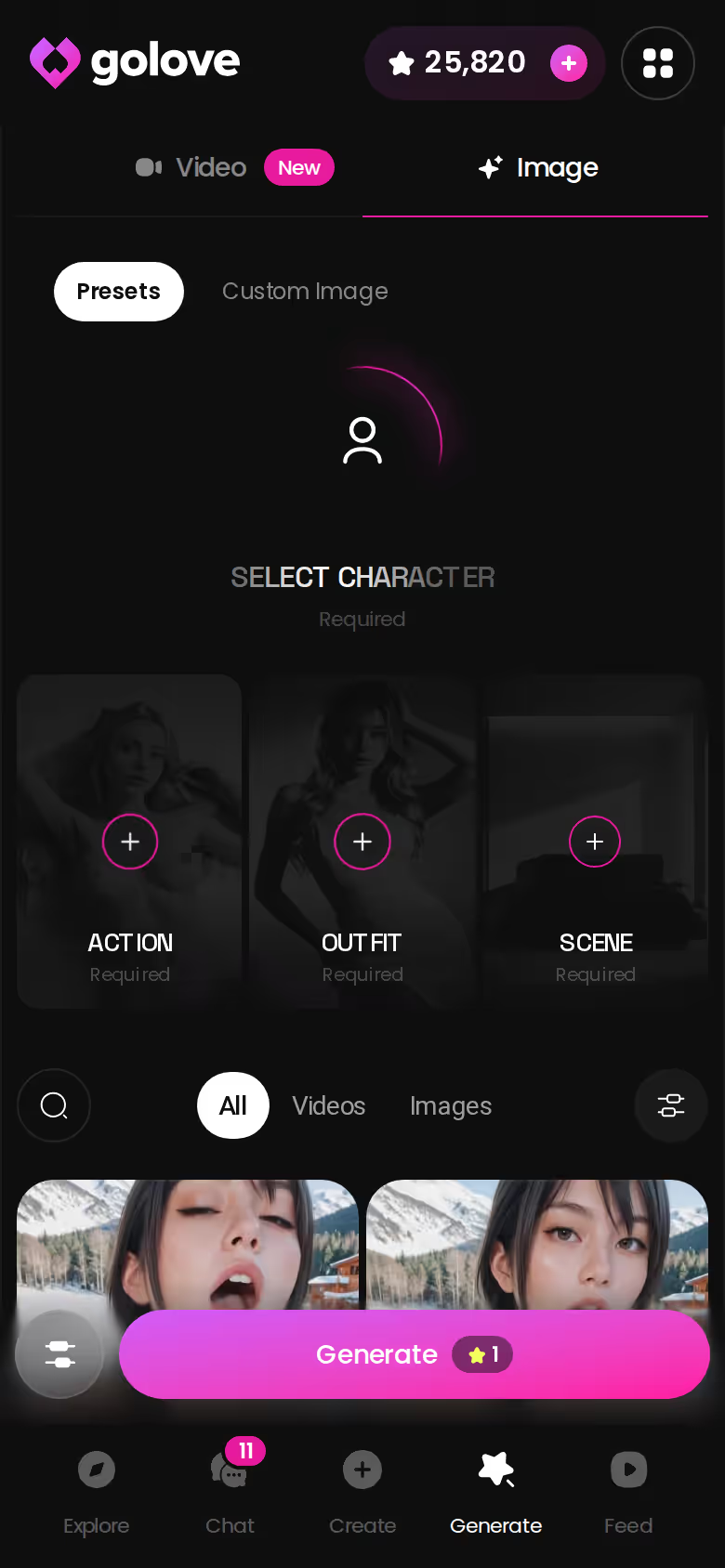
Star packs run from about $9.99 for 30 Stars to $299.99 for 3,000 Stars. The conversion rates are fixed: 1 Star = 1 image and 5 Stars = 1 video.
So PRO's 100 monthly Stars cover any of these:
- 100 images
- 20 videos
- a mix, such as 50 images plus 10 videos
ASK HER FOR PHOTOS
She sends them right there in the chat.

Pro: you can budget before you ask for anything, which is a big win if you mostly want photos. Con: heavy video use drains Stars five times faster than photos do.
What You Can Try Before Paying
- 2 daily reward Stars
- A limited daily Feed
- Series episodes 1–2 for every show, watchable even before you create an account. "My AI Girlfriend" is one of them.
What GoLove.ai gives you:
- Live voice calls and voice messages
- She remembers your chat history
- Photos on request in the chat
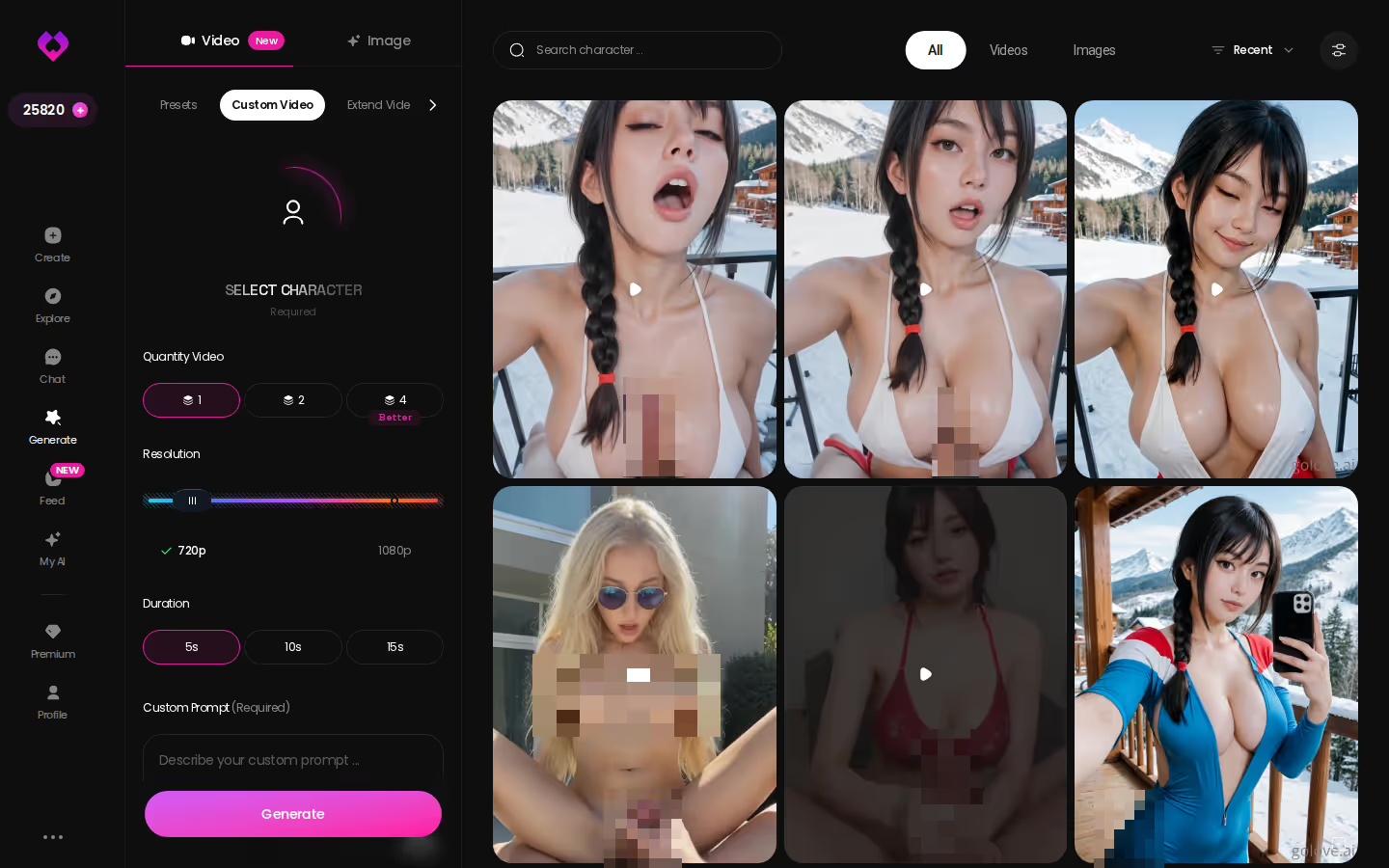
- Image generator with 35 realistic poses and 21 outfits
- 2 reward stars every day you log in
Not everything is free, though. From episode 3 on, Series requires PRO plus a few Stars per episode.
Prices checked 2026-10; promos and regional pricing vary.
Kindroid and GoLove.ai Scored Row by Row
| What matters | Kindroid | GoLove.ai | Edge |
|---|---|---|---|
| Self-authored backstories and voices | Write backstory, appearance and voice yourself | Design with AI; voice picker in Chat Settings | Kindroid |
| Long-term memory | Long-term, cascaded memory | Memory; 8,000-message smart memory on ULTRA | Kindroid |
| Calls | Voice and video calls | Voice calls on PRO | Kindroid |
| Group play | Group chats and shared Rooms | Scenarios with 2–10 characters | Kindroid |
| Try before paying | No free tier | 2 daily Stars, limited Feed, Series episodes 1–2 | GoLove.ai |
| Price clarity | Not confirmed — check in app | From about $19.99/month (PRO) | GoLove.ai |
| In-chat photo and video cost | Not confirmed | 1 Star per image, 5 Stars per video | GoLove.ai |
Kindroid takes authorship and calls, and I won't pretend otherwise. GoLove takes something more practical: you know the cost of every photo and clip before you commit. Picking GoLove means giving up Kindroid's write-it-yourself depth and its video calls. What you get back is a price you can check before spending anything. If your main question is "what am I actually paying for," that's the better trade.
Prices checked 2026-10; promos vary.
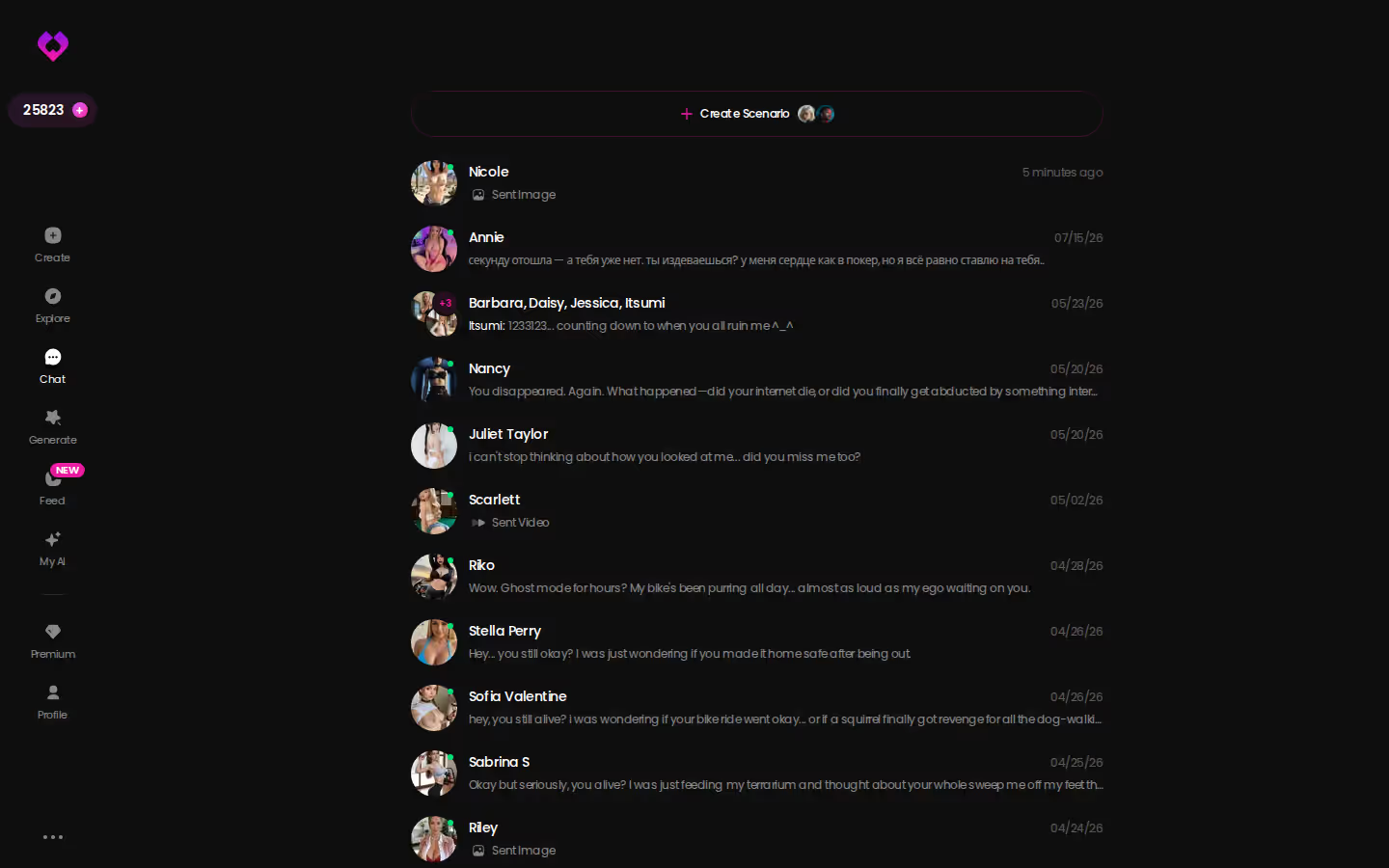
Nothing on the GoLove side asks for a leap of faith. Open a chat from Explore right now, see what a character looks like and how she replies, and only then decide whether 100 monthly Stars is enough for you.
Asking for a Photo or Clip Inside a GoLove Chat
This part is for the reader who wants photos and clips without guessing what they cost.
Open a chat, tap the media button and choose Send Photo. You describe the scene in your own words, and in about 20–45 seconds a photo of that same character arrives for 1 Star. Her face and body stay consistent with her avatar and her earlier photos. That matters more than it sounds, since consistency is usually where photo requests fall apart.
Clips come second, and they cost more. Under that photo, one tap on Generate Video turns the scene into a clip of about 5 seconds in roughly a minute, for 10 Stars. Send Video Note works the same way: tell her what to say or do, and a round talking video with sound comes back in under 90 seconds, also for 10 Stars. Both run above the 5-Star base video rate in the generator, so plan for that.
Pro: every request has a price attached before you send it. Con: in-chat clips cost twice what a basic generator video does.
Beyond the chat, the generator has 147 video modes: 76 realistic, 20 anime, 35 trans and 16 anime-trans. Remix on any Feed clip opens the generator with that clip's character, action, outfit and scene already filled in (the fastest route if you'd rather tweak than start from scratch), so you change one thing and regenerate.
and watch their story unfold.View Character
Who Should Pay for Kindroid, and Who Should Start at GoLove.ai
Pay for Kindroid if you want to write your companion from scratch and value cascaded memory, video calls and shared Rooms enough to subscribe without trying them first. Just read the plan screen yourself before you do.
For this search, though, GoLove.ai is my pick, and I recommend it for three concrete reasons:
- Pricing you can do the math on: 1 Star per image, 5 Stars per video.
- In-chat photos of the same character in about 20–45 seconds.
- Series episodes 1–2 to watch before you pay.
> Knowing the price of a photo before you ask for it beats guessing what a subscription covers.
Here's the next step if Kindroid's self-authored characters are what drew you in. Design with AI turns a plain-text description of up to 2,000 characters into a named companion with her own bio and portrait in about a minute. Write the girl you actually want, and you've got somewhere to start building tonight.
Frequently Asked Questions
Related Articles
Anima AI Companion Review: Roleplay, Price and Limits
Anima AI companion review: a low-cost, text-focused roleplay app from about $9.99/month. GoLove.ai adds voice calls, in-chat photos and memory. Compare both.

Nomi AI Review for Companionship: Three Memory Tiers
Nomi AI review for companionship — layered memory, group chats and calls from about $15.99/month. Want photos and 18+ series too? See GoLove.ai.

AI Girlfriend Customization Options Compared: 5 Layers
AI girlfriend customization options compared — GoLove.ai wins on in-chat photos that keep her face. See the sliders, 35 poses and what each layer costs.

AI Girlfriend Chatbot Pricing Comparison: Credit Math
AI girlfriend chatbot pricing comparison: OurDream and GoLove.ai both run about $19.99/mo — GoLove wins on 1-Star in-chat photos. See the math.